 0
0

Private dive files
Your DM5 and converted FIT files are used for conversion and are not permanently stored.
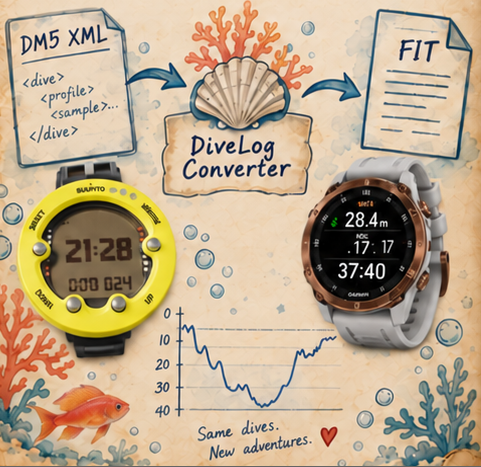
Bring your old Suunto dive history with you. Convert DM5 XML files to Garmin-compatible FIT files for Garmin Connect and Garmin Dive with a calm, simple workflow.
View the home page freely, then sign up or sign in when you are ready to use your five free dive conversions.
About Auqawoman & Bubbles →Your allowance is securely attached to your email account. Clearing Safari history or changing browser will not reset it.
No payment card is required.Your DM5 and converted FIT files are used for conversion and are not permanently stored.
PayPal handles payment securely. We never receive or store card numbers, wallet credentials or PayPal passwords.
Full Access is linked to your email account and is valid for 1 year from the payment date.
Use your paid access on this device and one additional device with the same email account during the 1-year access period. Contact support if you need an old device removed.
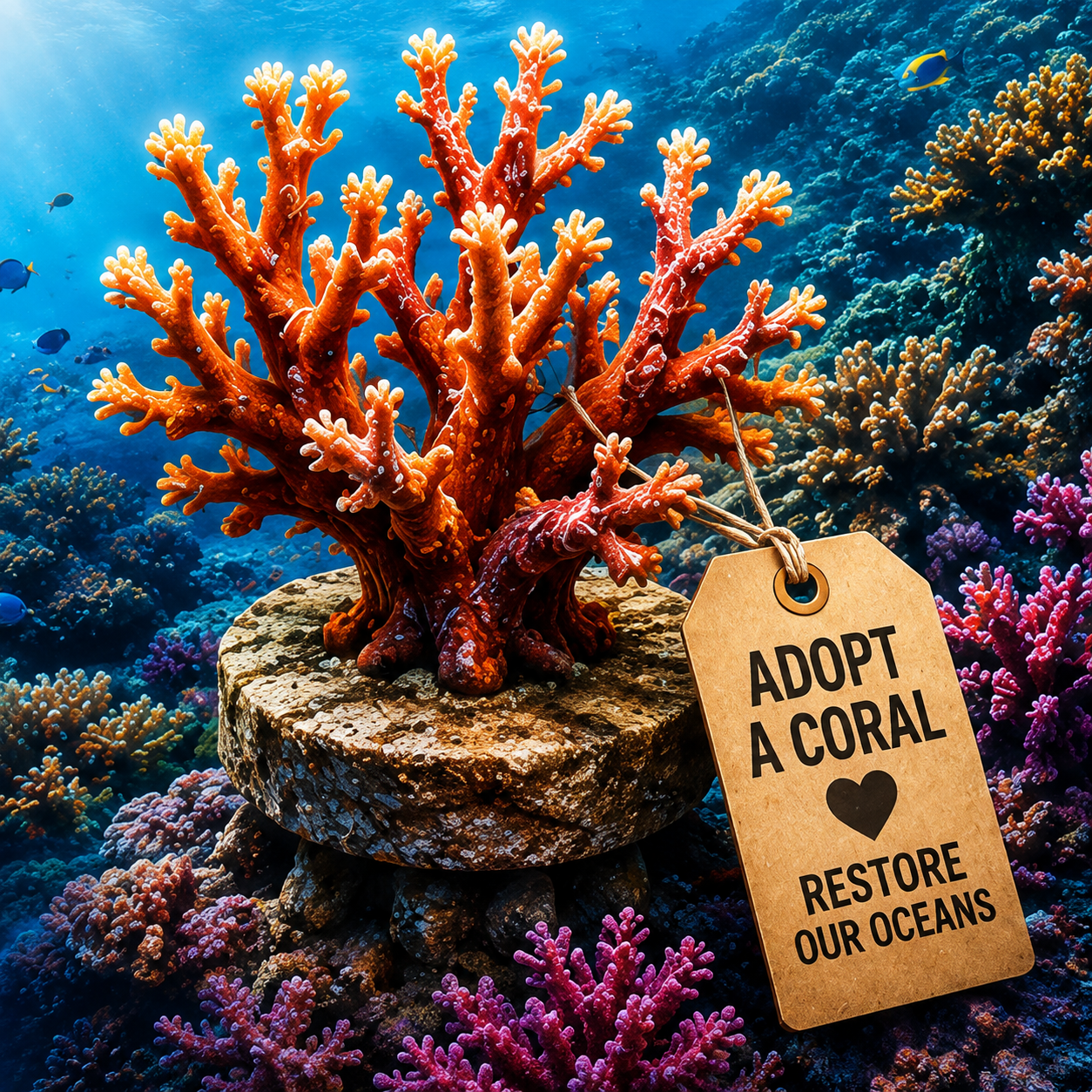
When you renew your 1-year Full Access, DiveLog Converter funds the adoption of a coral in the name on your account through Coral Gardeners. We also fund one coral for every 10 new Full Access purchases. Our reef-restoration program is funded by DiveLog Converter's paying users.
Learn about Coral Gardeners · Adopt a Coral ↗Use these focused guides to export your dive archive, convert the XML files, and transfer the finished FIT files to Garmin.
You may convert and download your files on another device, but the verified Garmin import workflow uses a desktop browser on a Windows PC. iPhone and iPad browser import did not work in our testing; Mac remains unverified.